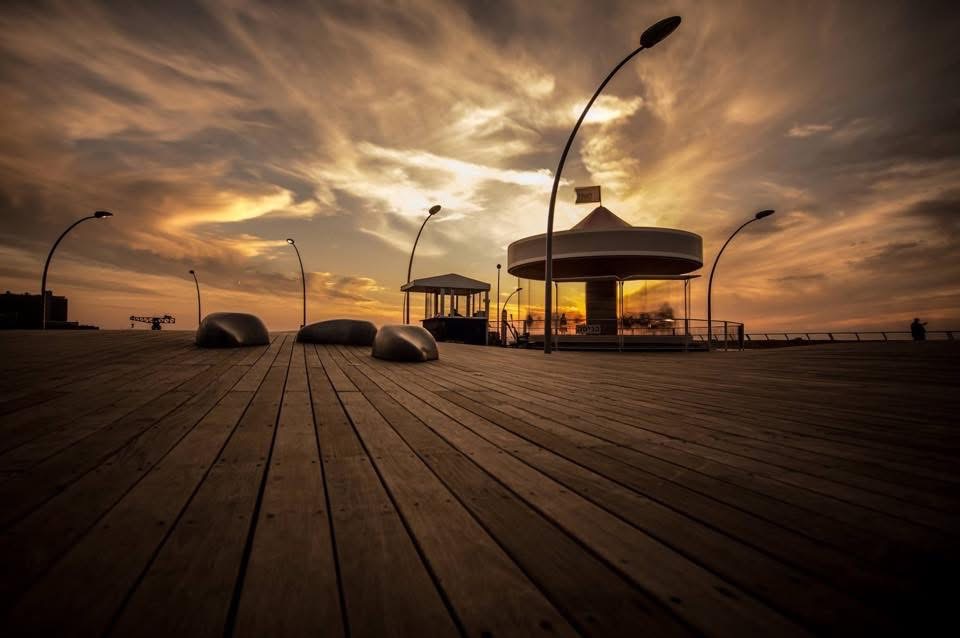
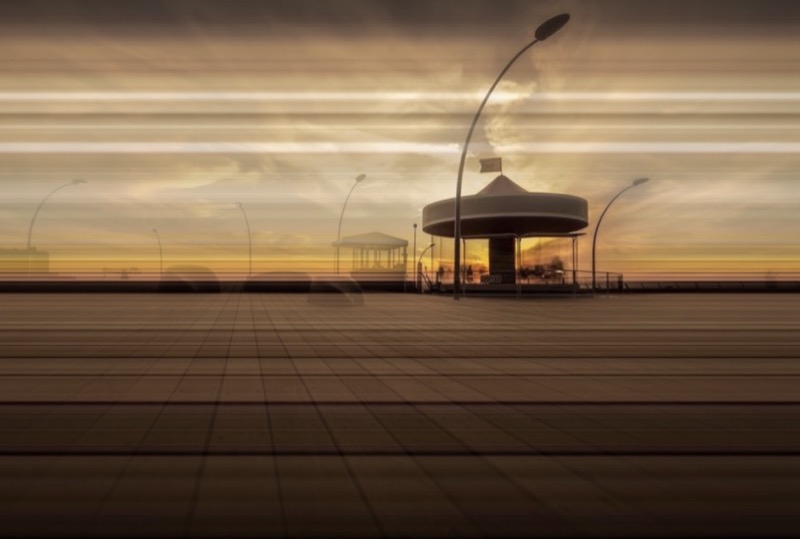
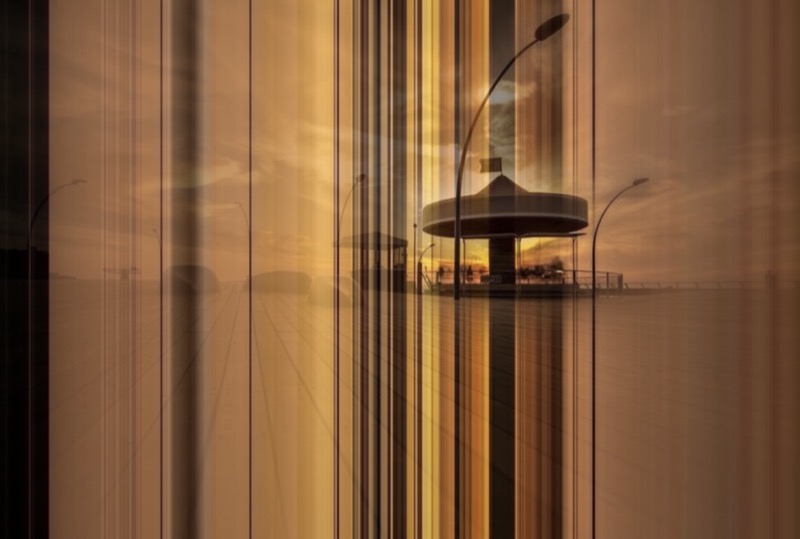
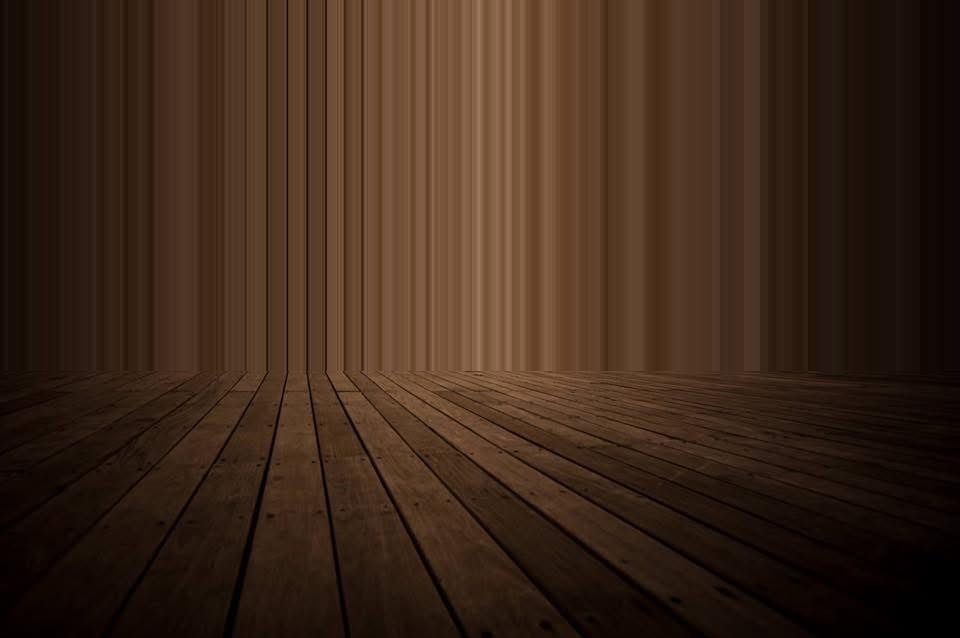
a creative tool for curious people

pixel-stretch

Pick a row of pixels. Stretch it across the frame. Mask what to protect. Everything runs in your browser — instant preview, full-resolution PNG export, nothing uploaded anywhere. Art is in the choices, not the technique.

launch tool → see examples
Pixel stretch — cliff and power station at sunset
vertical stretch · tel aviv coastline

How it works

From photo to stretched artwork in under a minute — no AI, no Photoshop

1

Drop your photo

Upload any image directly in your browser. Works best with landscapes, architecture, water, skies, or any scene with natural flow.

2

Draw the source line

Drag the pink line to pick the exact row (or column) of pixels you want to stretch. This single line becomes the repeating pattern.

3

Define the stretch zone

Drag the blue handles to choose where the stretching happens. The tool repeats your source line across this area while keeping everything else untouched.

4

Protect what matters

Use the smart brush to mask and safeguard important subjects (people, buildings, boats, etc.). Edge-snapping helps you paint cleanly.

5

Preview & export

See the result instantly in full resolution. Love it? Export as PNG or JPEG. Done.

Original photo — dog on Tel Aviv beach Source line and zone guides visible Vertical stretch applied across the zone Green mask protecting the dog Final exported result
original photo · tel aviv beach

Your photos stay on your device. The canvas API reads the image locally, manipulates pixels in memory, and exports to PNG — all client-side. The only server calls are for sign-in and purchase tracking. Your image data never leaves your machine.

One row of pixels, repeated across a region — skies become gradients, water becomes glass, light becomes infinite. No server, no upload, no waiting.

the effect

Watch the strip travel

Each pane loops a live stretch: a single row or column is sampled, then repeated across the zone. The line tracks the sweep.

horizontal source at waterline · subject protected
vertical source at lamp row · zone below
vertical source at column base · full zone
see it in action

From image to artwork in under a minute

Short walkthroughs showing how different images respond to different stretch decisions.

0:42
Stretching a sunset sky
0:55
Masking a subject
0:38
Vertical stretch on architecture
1:10
Edge snap + export workflow
judgment calls

The tool is algorithmic. The taste is yours.

Every pixel stretch is a composition decision — what deserves to be amplified, what deserves protection, where the boundary falls. The tool handles the rendering. You bring the eye.

works when

  • You read the image's natural rhythm and lean into it
  • A clear subject anchors the composition
  • The stretch feels drawn out, not stamped on
  • Restraint — 30–40% of the frame, not the whole thing

struggles when

  • The effect fights the image instead of extending it
  • High-texture areas dissolve into noise
  • Nothing in the frame earns the viewer's eye
  • The decision was "why not" instead of "because"
pricing

Free to start. Fair to keep.

Everything on this page was made with the free tier. Full-resolution PNG exports, no watermark, no data leaves your browser — $3 for a pack of five, or $30 for lifetime. No subscriptions.

see pricing →
vertical tower · tel aviv

Try it

Drop in any image. Drag the lines around. See what it wants to become.

launch tool →