I saw a photo on Instagram and wanted to make one.
Someone had taken a wave photo and stretched a single row of pixels across the frame. The sky became smooth gradients, the water turned to glass, and the surfer stayed sharp in the middle of it all.
You can do this in Photoshop if you have a subscription and know your way around it. Most people don't, and aren't going to get one to try a technique they saw on Instagram. I wanted to drag a line across a photo and see what happens.
So that's the tool. You pick which row of pixels to stretch, define where the stretch applies, mask what to protect, and the result updates as you go. Everything runs in your browser — your photos never leave your device. When you like what you see, you export a full-resolution PNG or JPEG.
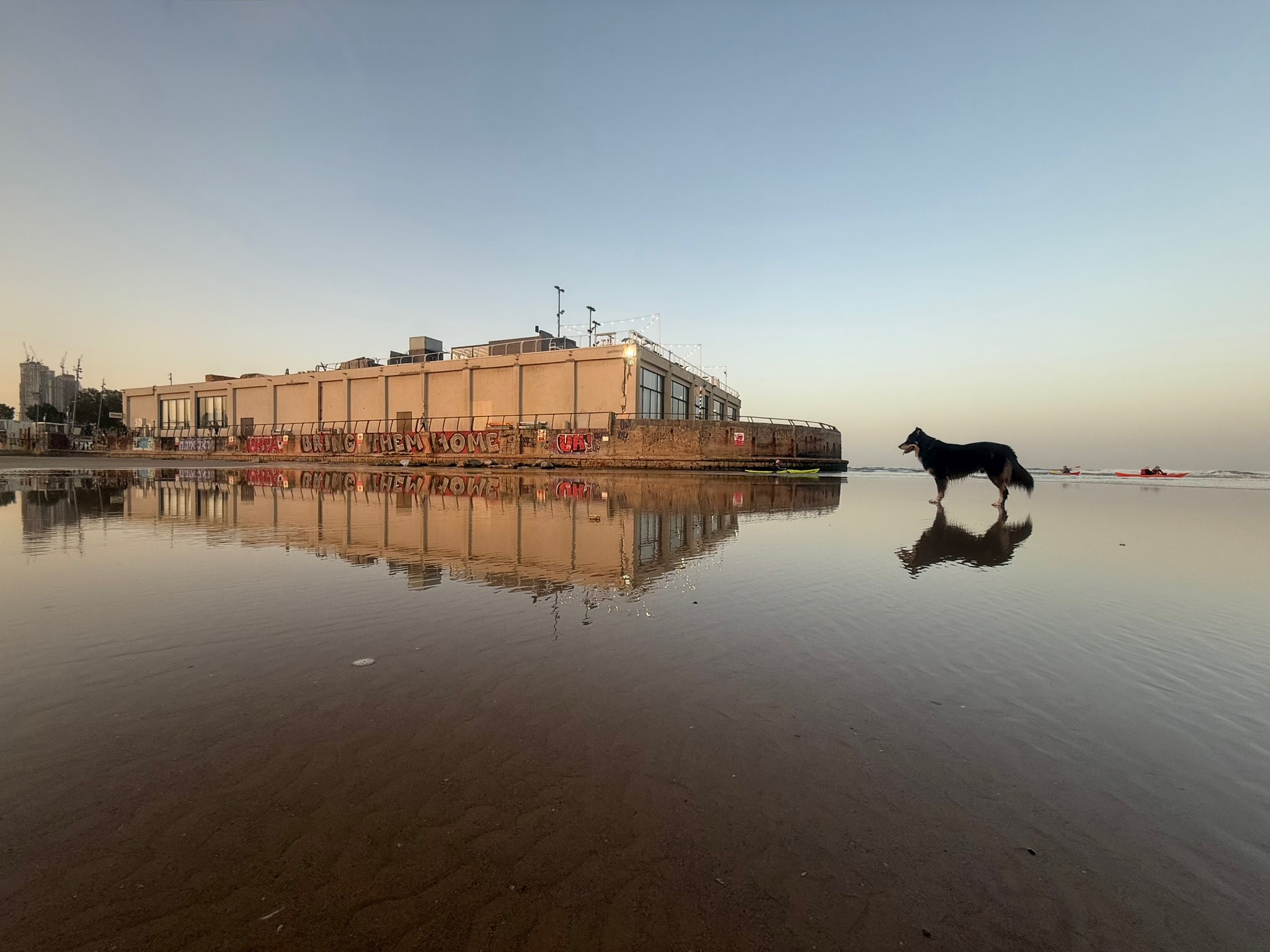
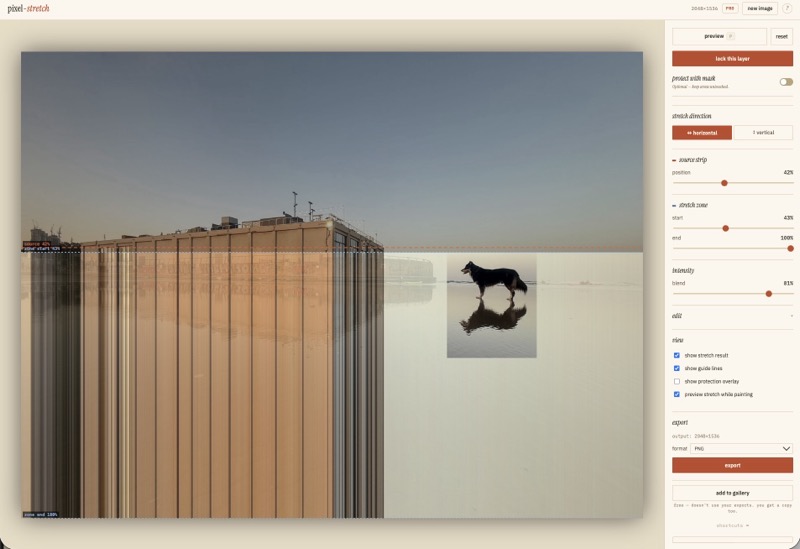
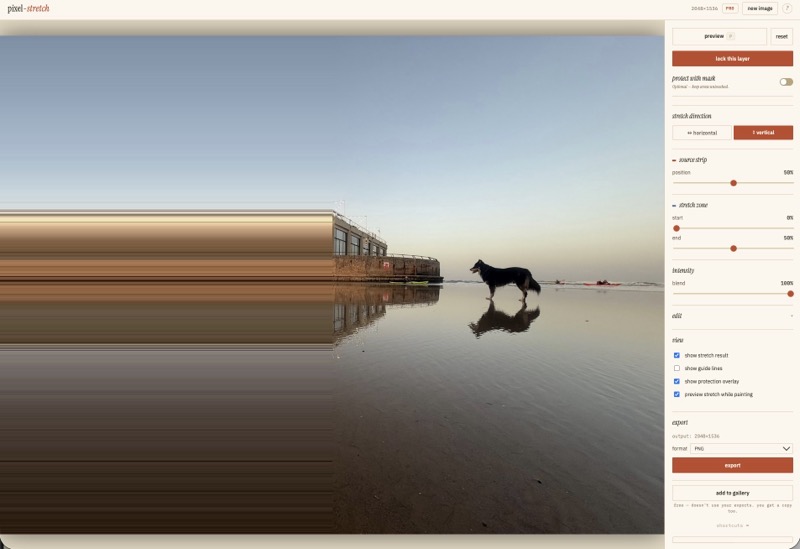
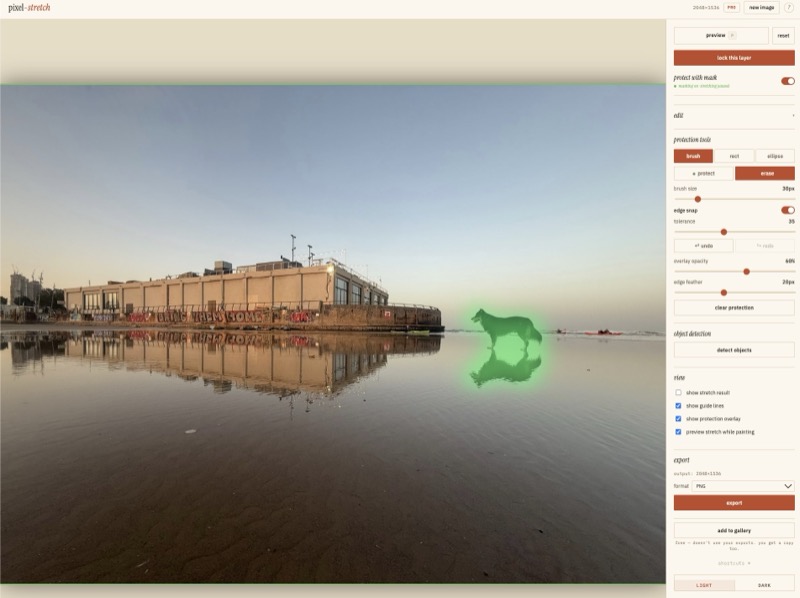
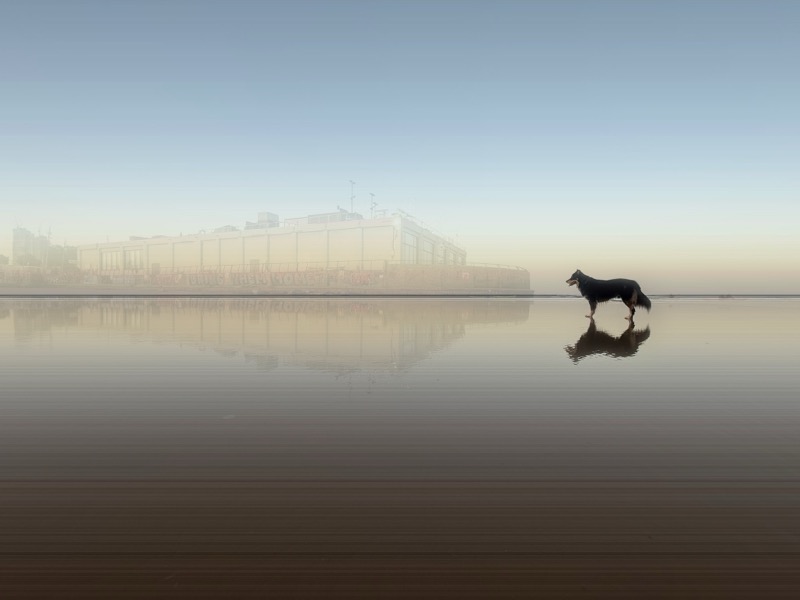
There are maybe four real decisions in the whole process. Which row. Where to stretch. What to protect. When to stop. But those four decisions are enough to make ten people produce ten completely different results from the same photo. Move the source strip two percent and the mood shifts. Protect the reflection instead of the subject and the image means something else entirely.
Most of the time you spend on a photo is consuming it. Here you're making decisions about it — what stays, what dissolves, what the image becomes. That's a different kind of attention.
H2eArts is where I'm building more tools like this.